Improve Compliance within Business Travel Accommodation
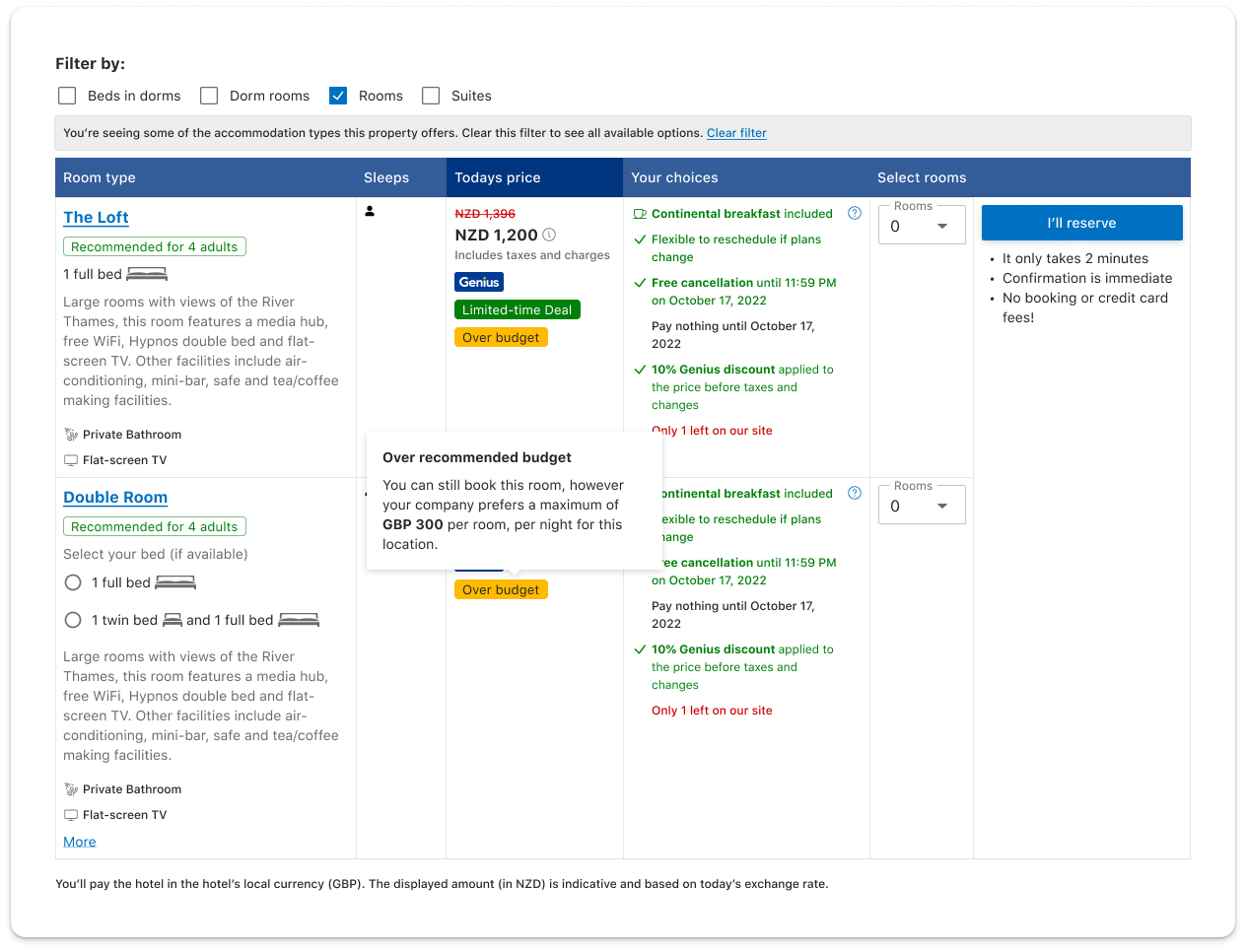
Hotel budgets is a Booking.com Business feature enabling Travel managers to set hotel costs per night, so business travellers can book accommodation within company policy. Customer feedback and research indicated on average, a company has 6 countries which business travellers visit. This was an opportunity gap and also a product differentiator from competitors.
The project focused on budgets at a country level as the MVP. It was completed in three months and was treated as an experimentation for a year. It contributed to 12% increase in nights per stay booking conversions. The positive reception as led to expanded functionality for city level hotel budgets in the future.
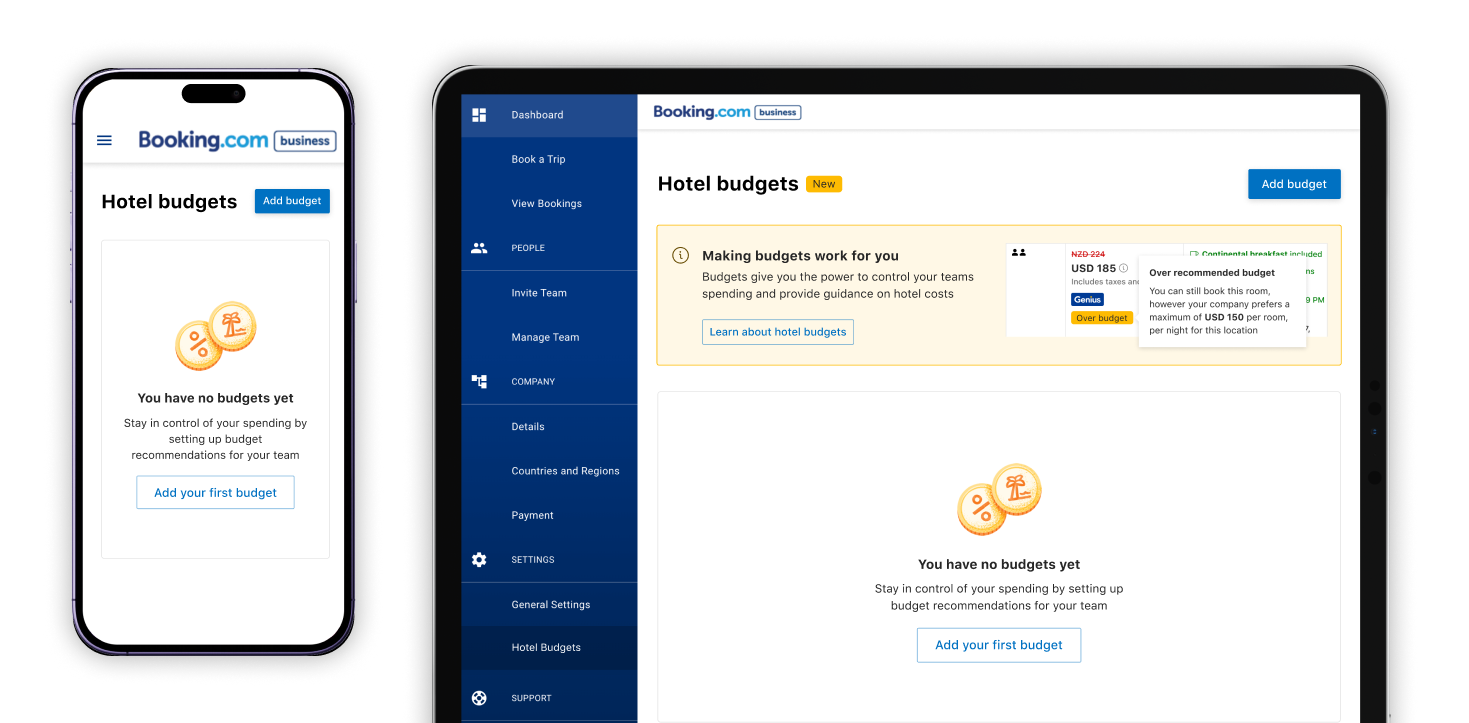
The welcome screen for first time users
The process
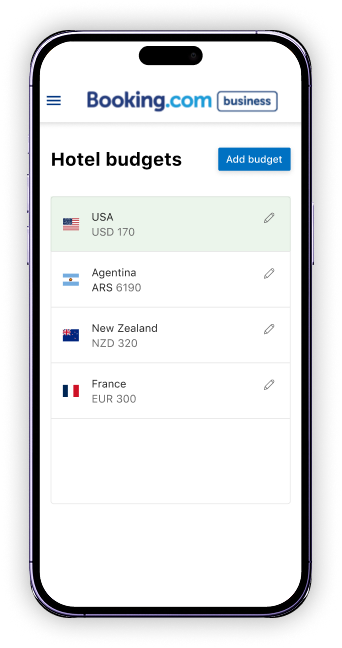
We first identified the core functionality is entering a cost. The traveller must pay a price for the stay per night in a hotel of a country. Therefore a layout reminiscent of a table and spreadsheet was applied, so the Travel Administrators can setup and manage data entry in large volumes with ease. The table structure is also flexible to enable future improvements of additional information or functions.
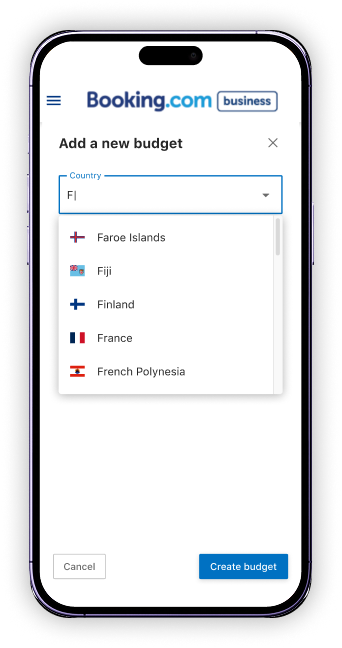
Our earliest vision included a live editable table, however due to time restraints the MVP required a dialog to setup and change budget information. We used this as an experimentation to test the customer desire for this feature before committing to more complex designs.
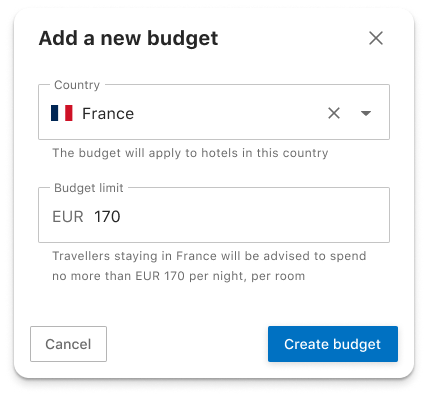
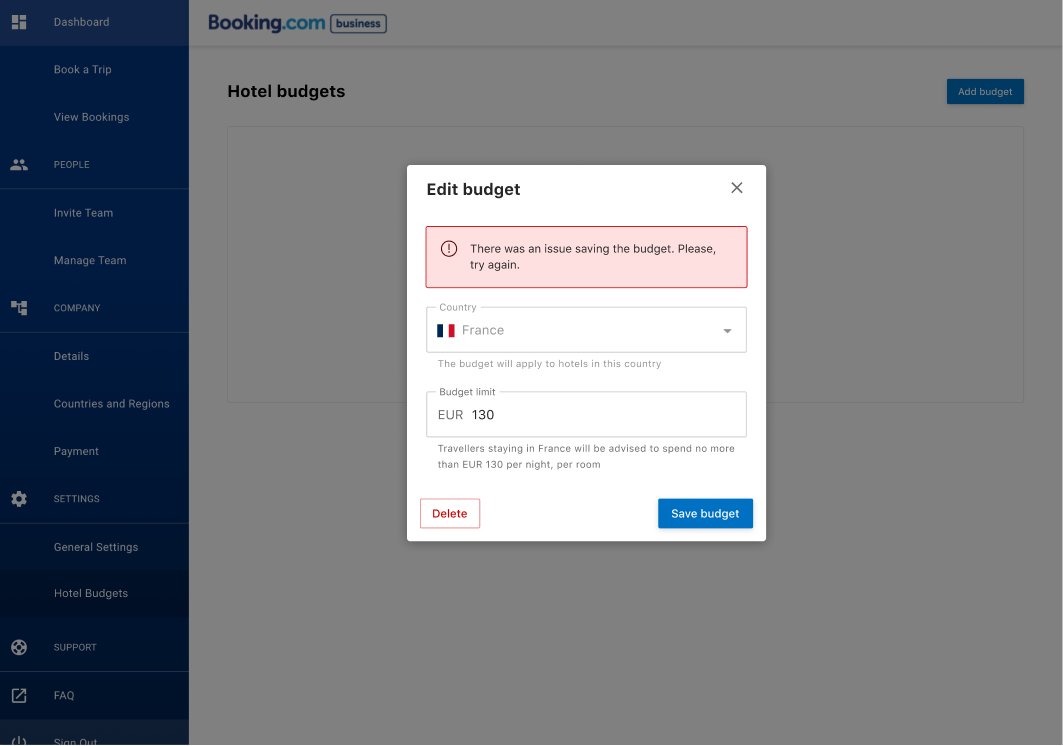
In desktop a dialog appears to allow users to enter the country and cost per night
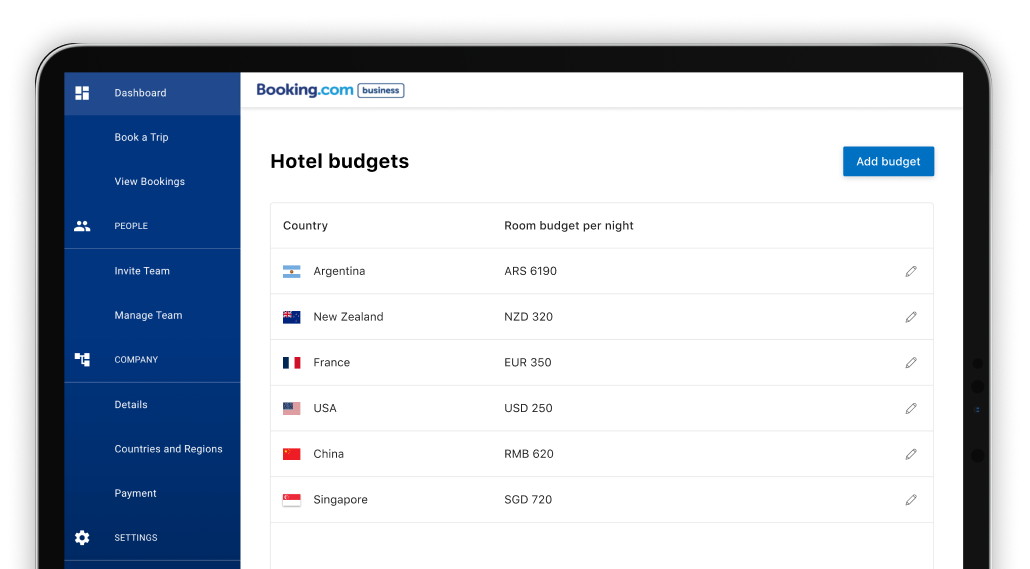
The secondary features of edit, disable and deletion of budgets was designed to support admins with the management of budgets. We applied natural UX patterns to these functions to reduce guidance and avoid clutter within the design. The feature was user tested successfully, as first time users could setup and delete budgets within 2 minutes.